Veneer shades: from Natural Ivory to Ultra White
Veneer shade is the color of your teeth, running from Natural Ivory (A1) at the warm, natural end to Ultra White (BL1) at the brightest end. Veneerly renders six shades across this scale. Shade sets color only, not the shape of your smile, and the right one fits your skin tone and eyes.
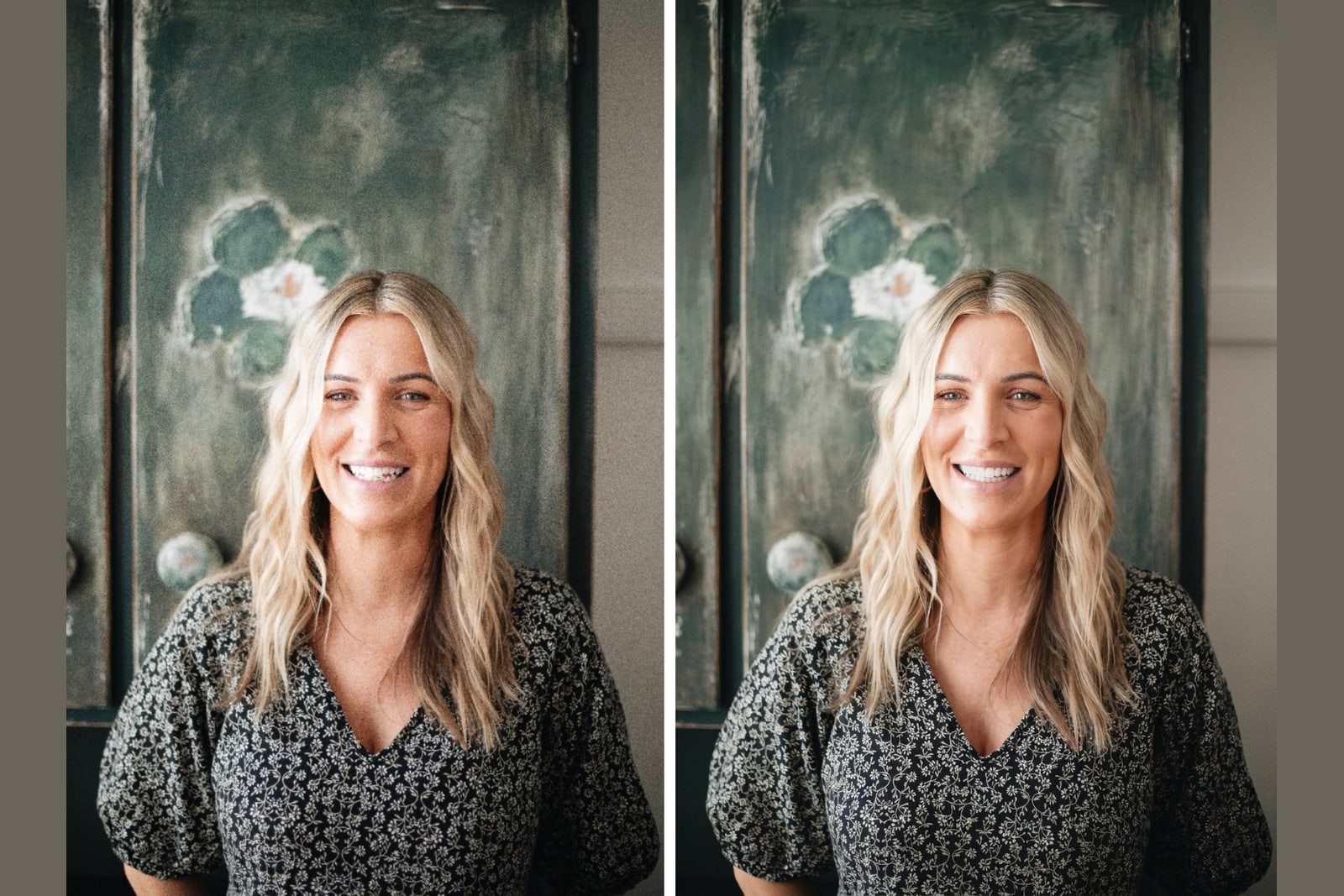
Key takeaways
- Shade is color. Style is shape and character. You choose them separately.
- Veneerly offers six shades from Natural Ivory (A1) to Ultra White (BL1).
- Natural shades sit at the A end. Bright shades sit at the BL end.
- The right shade fits your skin tone, your eyes, and the whites around them.
- Seeing a shade on your own photo beats guessing from a paper chart.
Veneerly is an aesthetic preview tool. It is not dental or medical advice and it is not a substitute for a consultation with a licensed dentist.
What is a veneer shade?
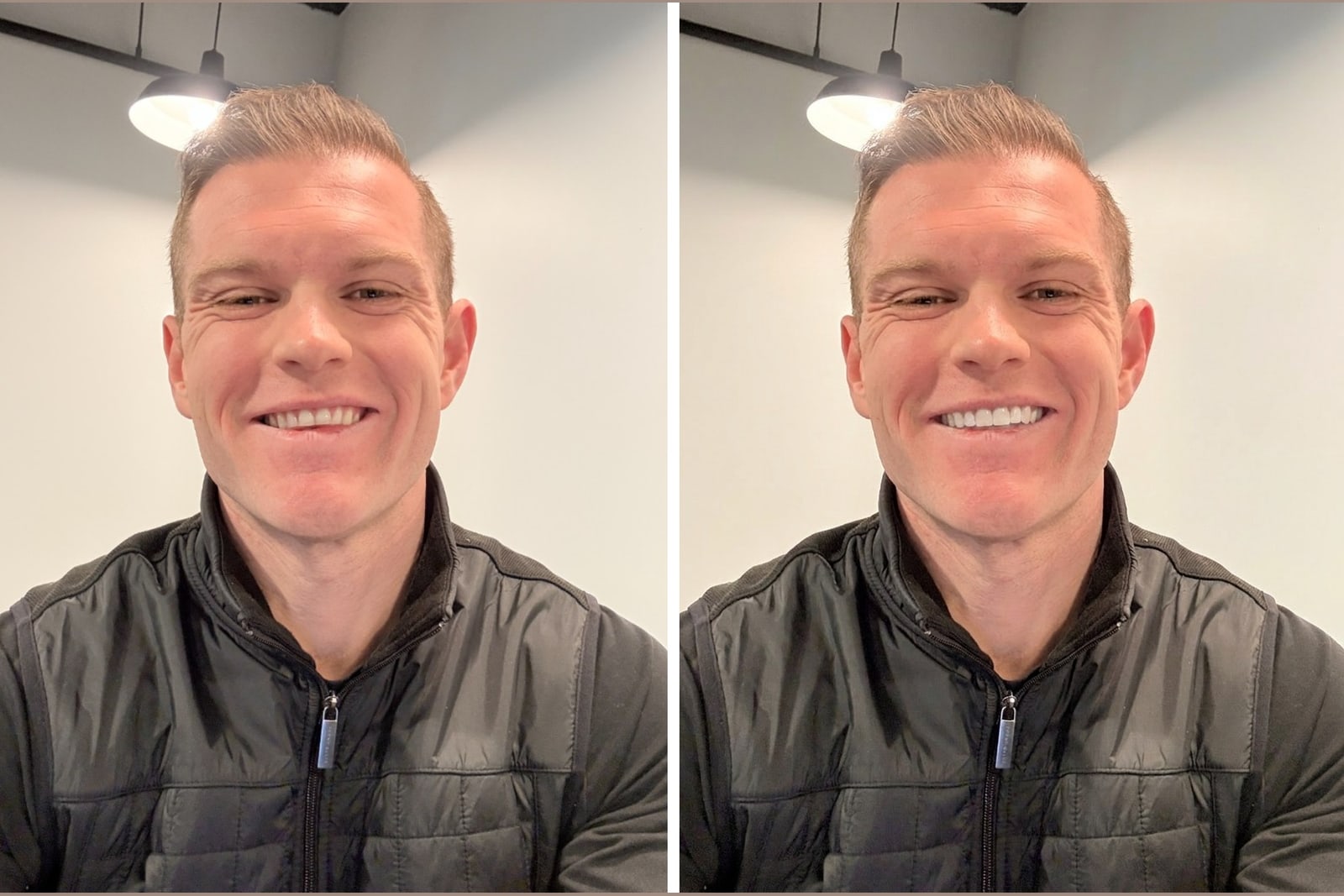
A veneer shade is the color of the tooth, measured on a standard scale that dentists use every day. It runs from warm, natural tones to cool, bright white. Veneerly maps six shades across this range so you can see the exact color on your own smile before you commit to anything.
Shade is separate from veneer styles, which set the shape, length, and character of the teeth. You pick a style first, then set the shade to dial in the color. Changing the shade never changes the shape of the style you chose.
The A1 to BL1 shade scale explained
The scale has two halves. The A shades are the natural, slightly warm tones that healthy teeth show in daylight. The BL shades are the bleached, cool whites that read as a clear transformation. Here is how the six Veneerly shades line up from most natural to brightest.
| Shade | Where it sits | The look | Who it suits |
|---|---|---|---|
| Natural Ivory (A1) | Warm natural end | Healthy teeth on a good day | People who want no one to notice a change |
| Soft White | Just past natural | Clean and bright but believable | Everyday confidence that reads as real |
| Bright White | Middle of the scale | A clear lift, still natural looking | A noticeable step up without going bold |
| Pearl White | Cool and bright | Camera ready white | People who want their smile to stand out |
| Ice White | Near the top | Striking, cool, uniform | Maximum impact with a cool tone |
| Ultra White (BL1) | Brightest end | Maximum white, red carpet | People who want the boldest possible smile |
Where does natural end and bright begin?
Natural ends around Bright White in the middle of the scale. Natural Ivory (A1) through Bright White read as healthy, real teeth in daylight. Pearl White, Ice White, and Ultra White (BL1) cross into transformation territory, where the color is the first thing people notice. Neither half is better. It comes down to how much attention you want your smile to draw, which we go deeper on in How white should veneers be?.
How do I pick a shade that fits my face?
Match the shade to the cool or warm tones already in your face. Look at the whites of your eyes and your skin tone. If your complexion is warm, Natural Ivory (A1) and Soft White sit comfortably and look like you. If your complexion is cool and your eye whites are bright, the cooler shades like Pearl White and Ice White hold their own without looking out of place.
Age plays in too. A very bright BL1 on an older face can read as artificial, while a natural A1 keeps things believable. The safest test is not a paper chart under office lighting. It is seeing the shade on a photo of your own smile, where your skin, lips, and eyes are all in frame.
A quick way to narrow it down
- Decide how much attention you want your smile to draw, from none to maximum.
- Check whether your skin and eye whites lean warm or cool.
- Start at Natural Ivory (A1) if you want undetectable, or Ultra White (BL1) if you want dramatic.
- Compare two shades side by side on your own photo before you decide.
Shade and stained teeth
If your teeth are darker or discolored now, the shade you pick is the color you end up with, since veneers cover the surface entirely. That means even a deeply stained tooth can show as Natural Ivory (A1) or brighter. If staining is your main concern, read Veneers for stained or discolored teeth to see how the cover works and which shades give the cleanest result.
How Veneerly shows you shades
Veneerly takes one front facing photo of your smile and renders ten designs across five styles in about 60 seconds. You can set any of the six shades from Natural Ivory (A1) to Ultra White (BL1), and only the teeth change. Your lips, skin, and the rest of the photo stay exactly as they are, so you judge the color against your real face. It is a one time payment from 39 dollars, and this is an aesthetic preview, not dental advice.
Frequently asked questions
What does A1 to BL1 mean for veneers?
A1 and BL1 are points on a standard tooth shade scale. A1, which Veneerly calls Natural Ivory, is a warm natural white. BL1, which Veneerly calls Ultra White, is the brightest bleached white. The scale runs from A1 at the natural end to BL1 at the brightest end.
What is the most natural veneer shade?
Natural Ivory (A1) is the most natural shade. It matches the warm tone of healthy teeth in daylight, so the result looks like your own smile on a good day rather than obvious dental work.
Is the whitest veneer shade too white?
Ultra White (BL1) is the brightest shade and it reads as a clear transformation. It is too white only if it fights the warm tones in your face rather than fitting them. Seeing it on your own photo before you commit is the way to know.
Does veneer shade change the shape of my teeth?
No. Shade sets color only. Shape and character come from the style you choose. You can change the shade of any style without changing how the teeth are shaped.
Can I see different veneer shades on my own smile?
Yes. Veneerly renders six shades from Natural Ivory (A1) to Ultra White (BL1) onto a photo of your real smile in about 60 seconds. Only the teeth change, so you can compare colors against your own skin and eyes.
See all six shades on your real smile
Upload one photo and compare Natural Ivory (A1) to Ultra White (BL1) in about 60 seconds.
Preview my smile