See your new veneers before you commit.
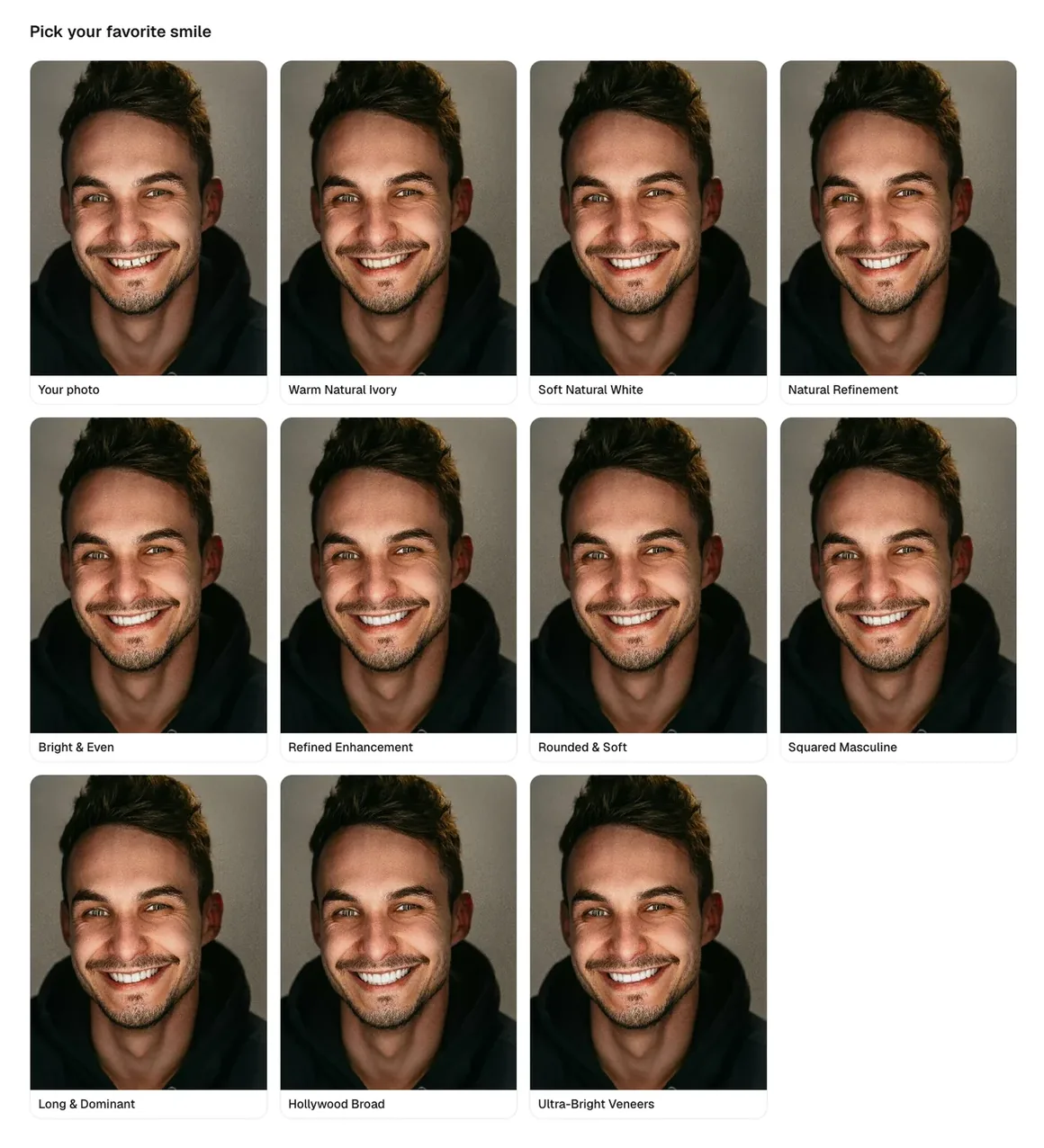
Upload your photo to try 10 veneer styles in less than 60 seconds.

See it work
Watch a real smile preview, start to finish.
Real results
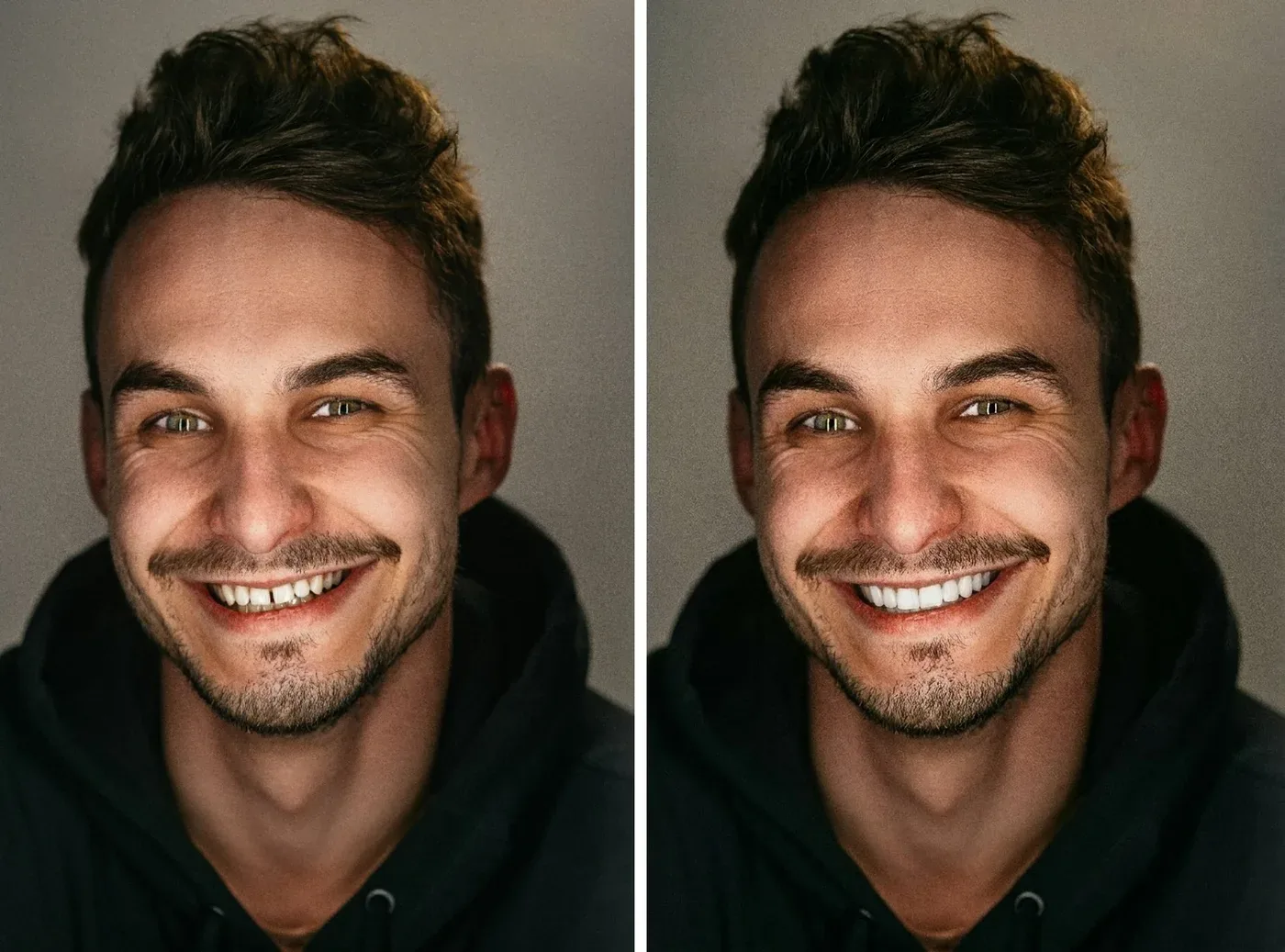
Real smiles, rendered by Veneerly
How it works
Four steps. Under 60 seconds.

Simple pricing
One photo or three?
Every photo you upload gets 10 smile designs. Try one photo, or compare your smile across three.
One time payment. No subscription. Allow around 1–2 minutes for your gallery.
Good questions
The stuff you would text a friend
Is it really my photo?
Veneerly
Yes. You upload a normal smiling photo of yourself and we render veneers onto your existing smile. It is your face and only the teeth are updated. We never swap in a model or a stock image.How long does it take?
Veneerly
Under 60 seconds. Upload a photo, get ten designs across five styles, pick a favorite, set the shade, and download your before and after.Is this dental or medical advice?
Veneerly
No. Veneerly is an aesthetic preview tool only. It is not dental or medical advice and it is not a substitute for a consultation with a licensed dentist. Use it to explore the look, then talk to a professional about what is possible for you.Can I try different shades?
Veneerly
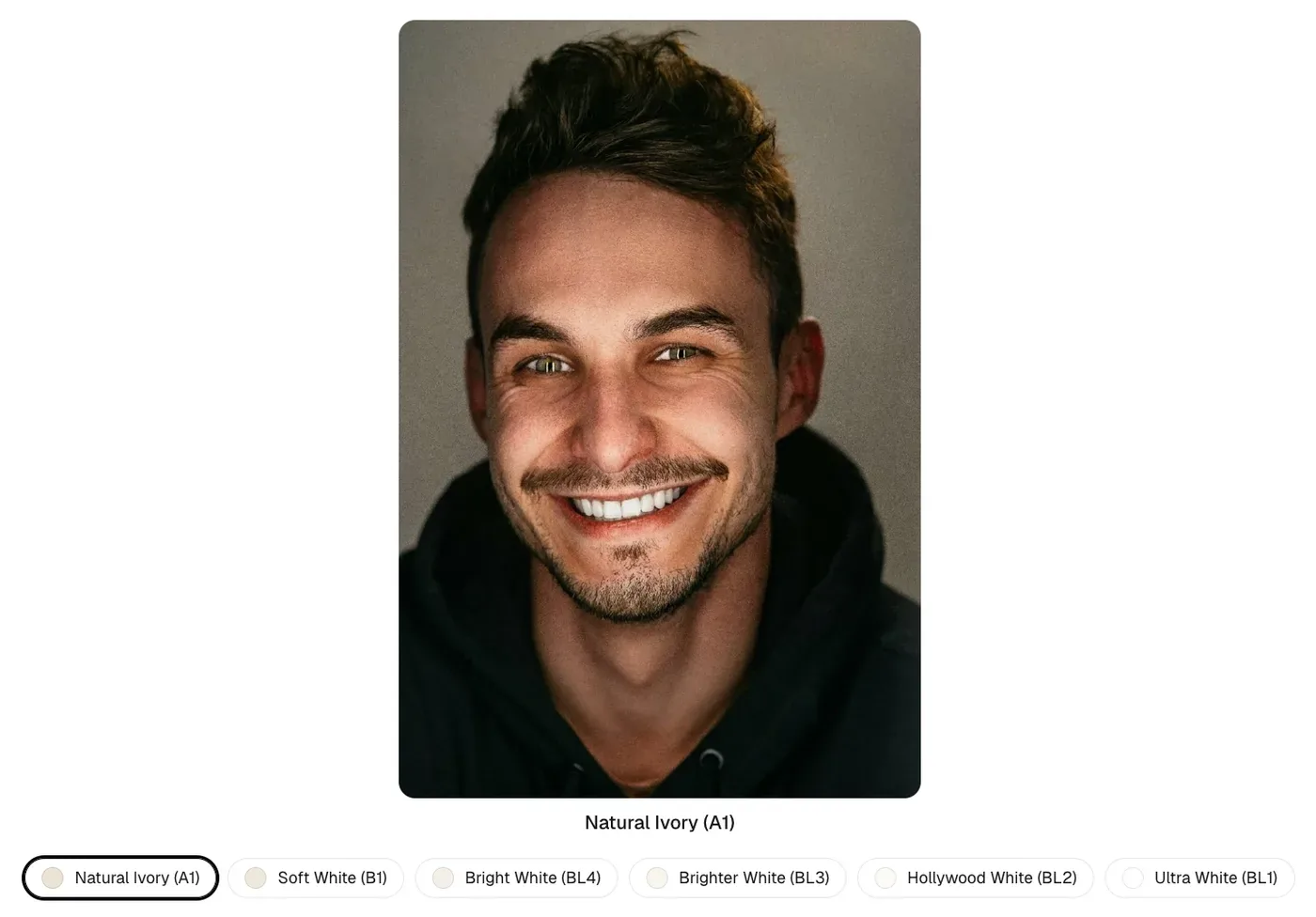
Yes. After you pick a design you can set the shade across six levels, from Natural Ivory (A1) to Ultra White (BL1). Only the tooth color changes. The shape of your chosen design stays the same.Is my photo private?
Veneerly
Your photo is used to create your previews and is never sold or used in marketing without your permission.Why preview before getting real veneers?
Veneerly
Real veneers are expensive and permanent. Seeing the look on your own face first, calmly and at home, helps you decide with confidence and walk into a consultation knowing exactly what you want.Veneerly
Want to just see it? Upload one photo and your before and after is ready in under 60 seconds.
Real reactions to their own smile